
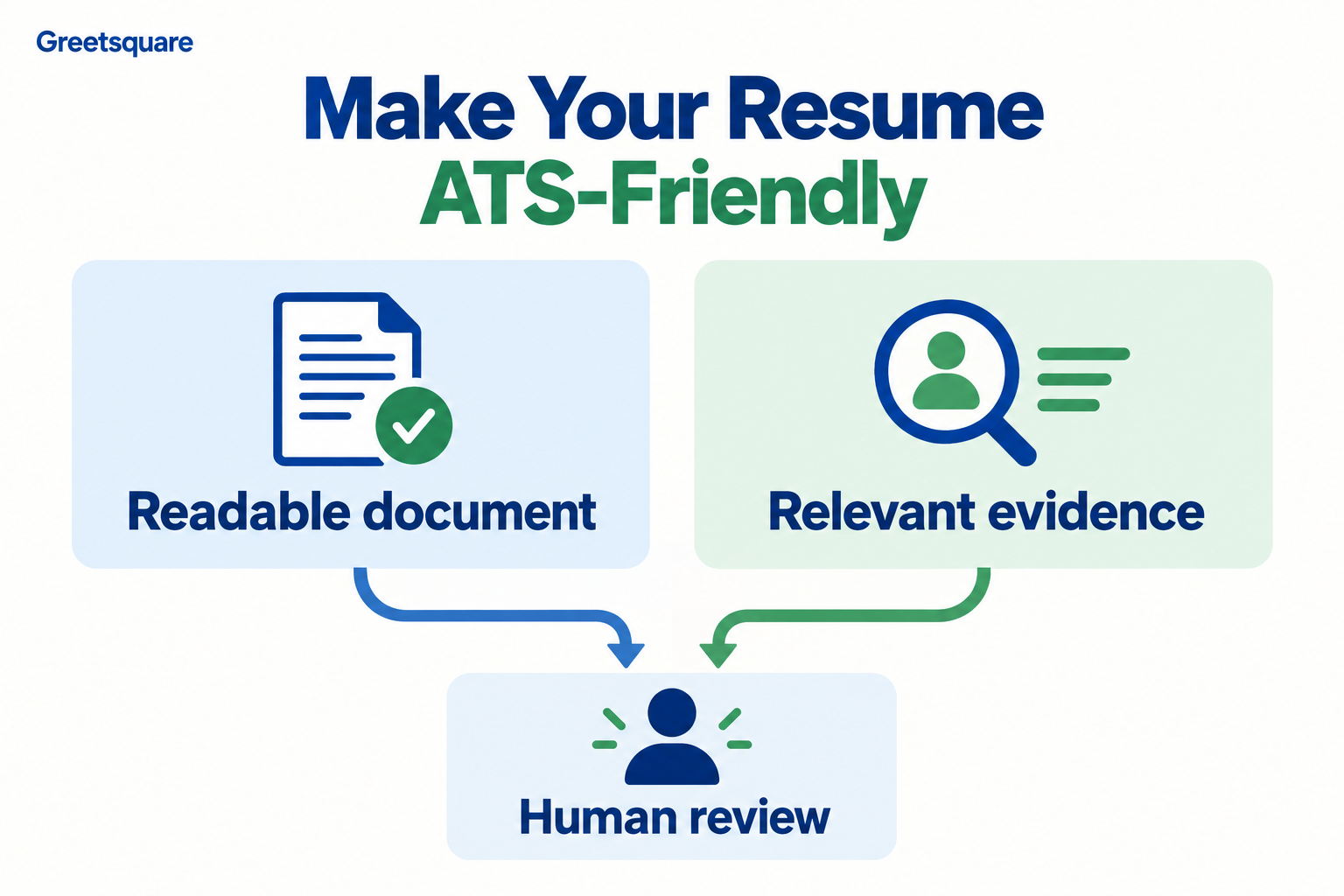
To get your resume past the ATS, follow the employer’s file instructions, use clear sections and connect your experience to the advertised requirements. Check any fields populated from your document and answer screening questions accurately. The objective is a complete, readable application that a person can assess, not a trick that defeats software.
“Beat the ATS” is a common search phrase, but it can encourage the wrong approach. Hiring systems differ, and technical readability is only one part of whether an application progresses.
What ATS Documentation Actually Shows
Greenhouse’s resume parsing documentation explains that parsing extracts information into candidate fields. It identifies complex formatting, image-based resumes and contact details in headers or text boxes as potential problems. A failed parse can leave the document attached while requiring information to be entered manually.
That is a useful distinction: extraction failure is not the same thing as an automatic rejection. Avoid turning one vendor’s documented behaviour into a claim about every employer or applicant tracking system.
Understand the Stages Your Application Passes Through
An application can involve uploading a file, extracting information, answering eligibility questions and having a recruiter review the record. Employers may also use assessments or other tools. These stages can happen in different orders, and the applicant may see only part of the process.
Your resume cannot correct an inaccurate answer elsewhere in the form. If the employer asks about availability, registration or experience, read the wording carefully. Do not answer dishonestly because you suspect a particular answer might help you advance.
If you are unsure where your overall search is stalling, use the stuck job search guide. Formatting changes are unlikely to solve a problem that actually begins with targeting unsuitable roles.
Format Your Resume for ATS Readability
Start with a simple reading order. Put your name and contact details in the main document body, followed by useful headings such as Experience, Education and Skills. Keep dates and job titles easy to associate with the correct employer.
A single-column layout is a sensible default because it reduces ambiguity. You do not need decorative charts to show skill levels or logos to identify employers. Ordinary text can communicate those details clearly and remains easier to inspect after upload.
Use consistent date formatting and spell out unusual abbreviations at least once. If your official job title is unfamiliar, you can add a truthful explanation of the function. Do not replace it with a more senior title you never held.
Choose the File the Employer Requests
Follow stated instructions before general advice. If a portal specifies DOCX, submit DOCX. If it accepts PDF, use a text-based export rather than a photograph or scan. Check file size and any limitations shown by the upload form.
Open the final file, select its text and paste a portion into a plain-text editor. This can reveal missing content or a confusing order. It is a useful basic check, not a simulation of the employer’s entire system.
Use a clear filename, such as your name and the role. Keep the editable source separately so you can make corrections without repeatedly converting between formats. Inspect the version you intend to submit, not a similar file from an earlier application.
Match Keywords to Real Experience
Read the job description for the work being requested. A requirement such as stakeholder reporting, inventory reconciliation or SQL analysis should lead you to a relevant example, not simply another entry in a keyword list.
Use the employer’s terminology when it accurately describes your work. If you used a different system for an equivalent task, name your actual tool and explain the transferable process. An honest connection is more defensible than claiming direct experience you do not have.
For example, “prepared weekly exception reports and discussed unresolved items with operations colleagues” gives context to reporting and stakeholder communication. Add the software used when relevant. Add a numerical outcome only if you know its basis and your contribution.
Our fast resume tailoring guide shows how to organise reusable evidence so this work becomes quicker without becoming generic.
Separate Required Skills from Learning Goals
An applicant can be capable of learning a tool without already being proficient in it. Your resume should make that distinction visible. A completed introductory course, a personal exercise and daily professional use are different levels of evidence.
Label projects and training accurately. If you used a tool only in a course, describe the task you completed there. Do not imply that you deployed it in a production environment or used it to deliver a business outcome.
This also helps during interviews. A clear description of your current level lets you explain what you can do now and what you would need to learn. Inflated keywords can create questions that your real experience cannot answer.
Check the Application After Uploading
When the form displays extracted details, review each field. Watch for mixed-up employment dates, missing contact information and a qualification assigned to the wrong institution. Correct errors using the available form controls before submission.
Review screening questions independently of the resume. Select the right vacancy, confirm required attachments and inspect any free-text answer for cut-off sentences. A technically readable resume is not a substitute for completing the application.
Save a copy of the final document and confirmation. Your tracker should include the job reference and submission date. If you later need to ask about receipt, those details make the enquiry precise and easy to locate.
Avoid Tricks That Weaken Credibility
Do not add invisible text, paste the full job description or repeat the same phrase unnaturally. These tactics do not establish that you can do the work. They can also make the document confusing when extracted or read by a person.
Treat commercial resume scores as feedback from that service’s rules, not as a view into the employer’s settings. A higher score can reflect more matching words without improving the quality of your evidence. Review every suggested change before accepting it.
Likewise, nobody can promise that one font or template will secure an interview across all employers. Prefer a readable document you understand over a complicated file marketed as a universal solution.
Use Additional Formats as Supporting Evidence
Some employers welcome portfolios or introductions; others want only the requested documents. Respect that difference. A relevant sample should answer a practical question about your ability and should be accessible without unnecessary login or download steps.
Where appropriate, Greetsquare’s video resume option can help you explain a project or introduce your background. It is an additional communication format, not a way to bypass ATS requirements. Keep essential qualifications and experience in the written application.
Complete a Final Readability Check
Before submitting, ask whether the application communicates who you are, which role you want and why your experience fits. Check document order, dates, contact details and evidence for the main requirements.
Then submit and move to the next suitable opportunity. A well-prepared application reduces avoidable problems; it cannot remove competition, employer discretion or changes in hiring plans.
Frequently Asked Questions
Is PDF or Word Better for an ATS Resume?
Use the file type the employer requests. When both are accepted, a simple DOCX or text-based PDF can be suitable. Avoid scanned documents and inspect any fields populated after upload. The employer’s instructions and the quality of the actual file matter more than a universal rule about one extension.
Do All ATS Platforms Automatically Reject Resumes?
No single description applies to every platform and employer configuration. Systems can manage records, extract information and support different screening workflows. Some employers use eligibility rules or additional tools. You cannot infer the exact decision process from the presence of an application portal or from receiving no response.
Should I Copy Every Keyword from the Job Description?
No. Use relevant terminology only when it accurately describes your experience, training or skills. Explain the work behind important terms rather than repeating them without context. Copying requirements you cannot support may create credibility problems and will not make you qualified for responsibilities you have not learned to perform.
Can I Test Whether My Resume Will Pass?
You can inspect text extraction, reading order and completed application fields, but you usually cannot reproduce an employer’s full workflow. Third-party scores use their own methods and are not guaranteed predictions. Use them cautiously, prioritising accurate evidence, clear formatting and the instructions for the specific vacancy you are applying to.