What are the most common video resume mistakes? An unclear purpose, too much background, weak evidence, difficult audio, distracting script reading and an inaccessible link can all make a recording harder to assess. Use this guide to diagnose those problems and fix the cause, rather than assuming more editing will improve the application.
What Preparation Guidance Supports
NUS’s job interview resources encourage preparation and practice, including attention to the format of a video interview. A self-introduction video is a different task, but reviewing your message and testing the technology are sensible communication checks. The checklist below is practical editorial guidance, not a ranking of mistakes measured across employers.
No single mistake automatically explains a rejection. Selection also depends on role requirements, competition and the employer’s process. Focus on the parts you control: accurate content, understandable delivery and a usable submission. Greetsquare’s video resume guide covers the purpose and limits of the format.
Mistake 1: Leaving the Target Role Unclear
A recording that lists many unrelated interests can leave the reviewer unsure what you are applying for. “I am open to everything” is difficult to connect to a specific vacancy. State a relevant role or function near the start, then select the background that supports it.
Fix: Write a single opening sentence that names the work you want to do. Check it against the vacancy before recording. For a general profile, choose a coherent function rather than addressing multiple unrelated careers at once. You can prepare separate versions when the target roles require substantially different evidence.
Mistake 2: Reciting the Entire CV
Your written CV already contains chronology and detail. Reading it aloud can use the available time without helping the listener understand your contribution. A video introduction needs a selective explanation, not a spoken copy of every job and qualification.
Fix: Keep only the background needed to understand one relevant example. State the situation briefly, explain your own action and identify a supportable result or learning. Leave employment dates and detailed responsibilities in the written application. Use the step-by-step video resume guide to organise the recording process after the content is focused.
Mistake 3: Making Claims Without Evidence
Words such as strategic, innovative and results-driven do not tell a reviewer what you did. A list of qualities may sound confident while providing little material for an interview. Unsupported numbers create an additional problem: you may be unable to explain the method or your contribution later.
Fix: Replace one adjective with a specific action. Explain what you reviewed, changed, built or coordinated. Include a numerical result only when it is accurate, meaningful and permitted to disclose. If the outcome was a documented process or a clearer recommendation, say that rather than inventing a commercial improvement.
Separate Your Contribution from the Team’s Work
“We delivered the project” describes a group outcome. Add what you personally owned, such as checking inputs or coordinating a handover. Do not claim sole responsibility for shared work. A bounded explanation is easier to trust and gives an interviewer a useful starting point for questions about your actual experience.
Mistake 4: Treating the Duration as a Universal Rule
An applicant may copy a recommended length from a general guide and ignore the employer’s instructions. Another may squeeze too much information into a short limit by speaking quickly. Both choices make the recording less useful than a message designed for the actual task.
Fix: Check the stated limit and required questions first. Time a natural spoken version, including pauses. If it runs long, remove repetition or choose a simpler example. Do not cut an essential explanation so aggressively that the claim becomes misleading. A public profile and a vacancy-specific recording may need different versions.
Mistake 5: Recording Speech That Is Hard to Hear
Room noise, microphone placement or uneven volume can obscure otherwise useful content. A visually impressive recording still fails its communication purpose if the listener cannot understand the words. Buying equipment before testing the environment may not solve the problem.
Fix: Record a short sample in the intended location and play it back. Listen through ordinary speakers as well as headphones where possible. Reduce background noise, avoid placing the microphone where it picks up handling sounds and speak at a comfortable pace. Retest after changing the setup rather than assuming the change worked.
| Check | Warning Sign | Practical Correction |
|---|---|---|
| Speech | Words are unclear or drowned out | Adjust environment and microphone, then retest |
| Content | The role appears only at the end | Move the target role into the opening |
| Evidence | Claims cannot be explained | Use one accurate action and bounded outcome |
| Access | Link asks the reviewer to request permission | Test the intended sharing settings |
Mistake 6: Reading a Dense Script on Screen
Following a paragraph word for word can produce uneven pace and repeated eye movement. The problem is not that notes are always wrong. It is that dense notes can compete with the explanation and make a straightforward message harder to follow.
Fix: Practise the sequence, then reduce the script to cue words if notes are allowed. Use short sentences you would normally say. A small pause is usually more useful than rushing to avoid silence. Review one take for meaning and another for delivery, so you can identify which part needs attention.
Mistake 7: Overediting the Message
Fast cuts, loud music and decorative captions can distract from the applicant’s evidence. Editing can also remove context and make a claim sound stronger than the underlying experience supports. The recording should remain a faithful explanation of your work.
Fix: Use editing to remove genuine errors and improve accessibility. Keep transitions simple and captions accurate. Do not alter speech to change its meaning or use effects that obscure the example. If a portfolio demonstration is relevant, give it enough context and label illustrative material. Review the final export, not only the editing timeline.
Mistake 8: Forgetting Privacy and Access Checks
A working file on your own device is not proof that a recruiter can open the submitted link. A recording can also accidentally expose names, dashboards or notifications in the background. These problems need attention before the application is sent.
Fix: Inspect the visible frame and any screen recording for confidential material. Confirm that the sharing method matches your intended audience. Open the final link in a suitable separate viewing context and check that the video plays. Greetsquare’s video profile privacy guide provides more detail on disclosure and access choices.
Review the Final Submission in Order
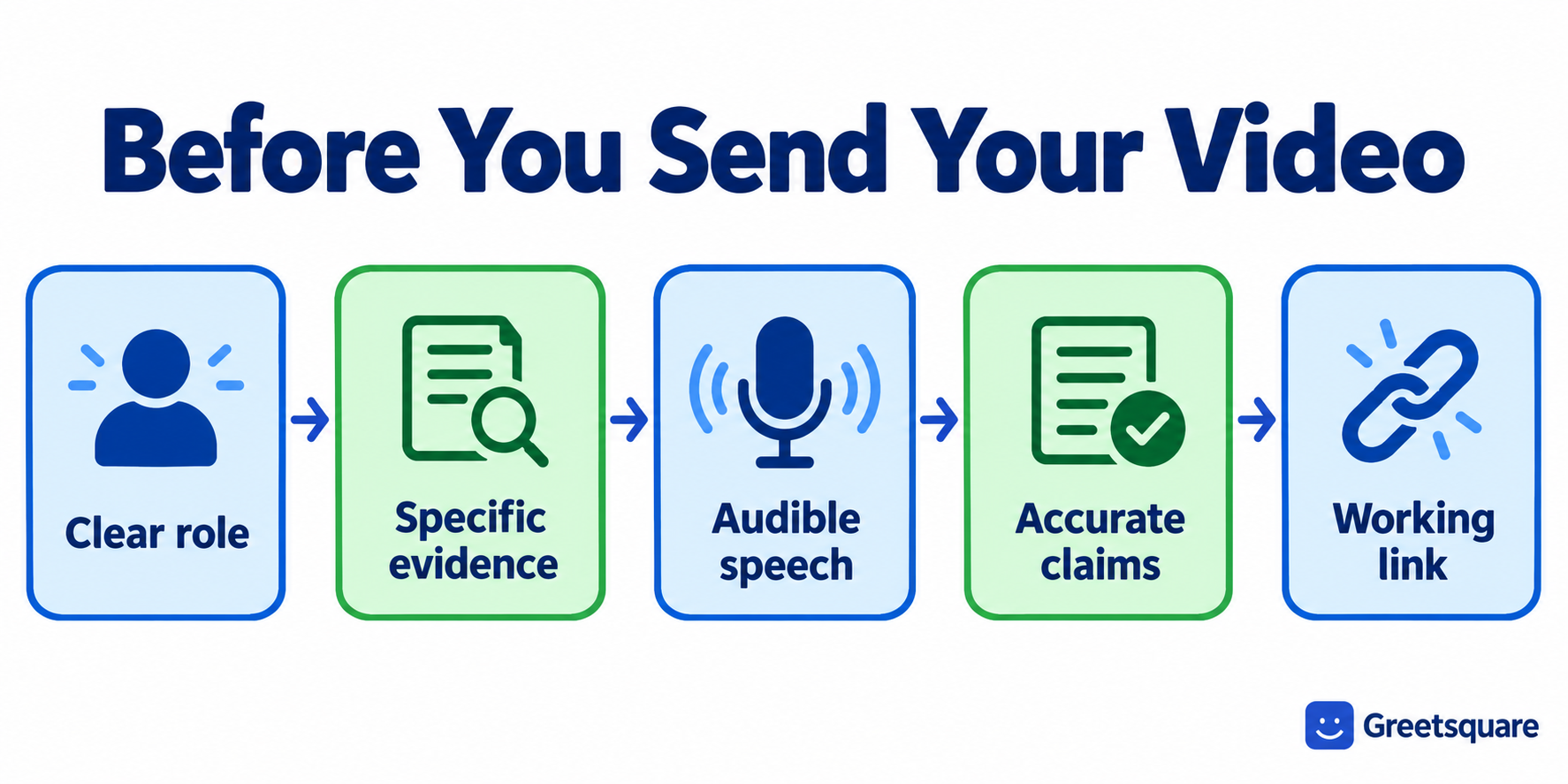
First check the employer’s instructions and the required written documents. Next check the target role, example and accuracy against your CV. Then review sound, pacing, captions and the final link. This order prevents you from spending hours polishing a recording that answers the wrong question.
Ask a trusted reviewer to summarise your contribution in one sentence. If they cannot, revise the explanation. Save the final version clearly so you do not submit an old take by mistake. A complete review reduces avoidable communication problems, but it cannot promise an interview or override missing role requirements.
After reviewing the content and final file, you can explore Greetsquare’s video profile tools. Confirm the intended audience and access settings before using a recording in an application.
Frequently Asked Questions
Can Poor Audio Hurt an Otherwise Good Video Resume?
Poor audio can make your explanation difficult to understand, even when the content is relevant. Test a sample in the recording location and listen to the final export. Improve noise, microphone placement or pace as needed. Expensive equipment is not automatically necessary, and it will not fix unclear content.
Is Reading from a Script Always a Mistake?
No. A script can help organise an accurate message, and permitted notes may be useful. Problems arise when dense text makes the delivery difficult to follow. Practise the sequence, use natural wording and review eye movement and pace. Follow any employer rules about preparation, notes or recorded assessment conditions.
Should I Add Music to My Video Resume?
Only if it supports the purpose and complies with the submission requirements. Music can make speech harder to hear and may distract from the evidence. Check usage rights for any audio you include. A clear recording with simple presentation is often sufficient for a professional introduction without a soundtrack.
How Do I Check That My Video Resume Link Works?
Open the final link using a viewing context that reflects the intended recipient’s access, and check playback and permissions. Do not rely only on your own logged-in session. Confirm the correct version is linked and that private information is absent. Use the employer’s required channel and avoid unnecessary access barriers.